
Settings Options Not Visible (FMX iPadOS)Updated 3 hours ago
If certain options are not visible in FMX for iPadOS (for example, under Global Settings → Printing, Mode, or other configuration areas), this is typically caused by display-related accessibility settings on the iPad. This issue has been observed on newer iPadOS versions and can prevent parts of the interface from rendering correctly.
Problem:
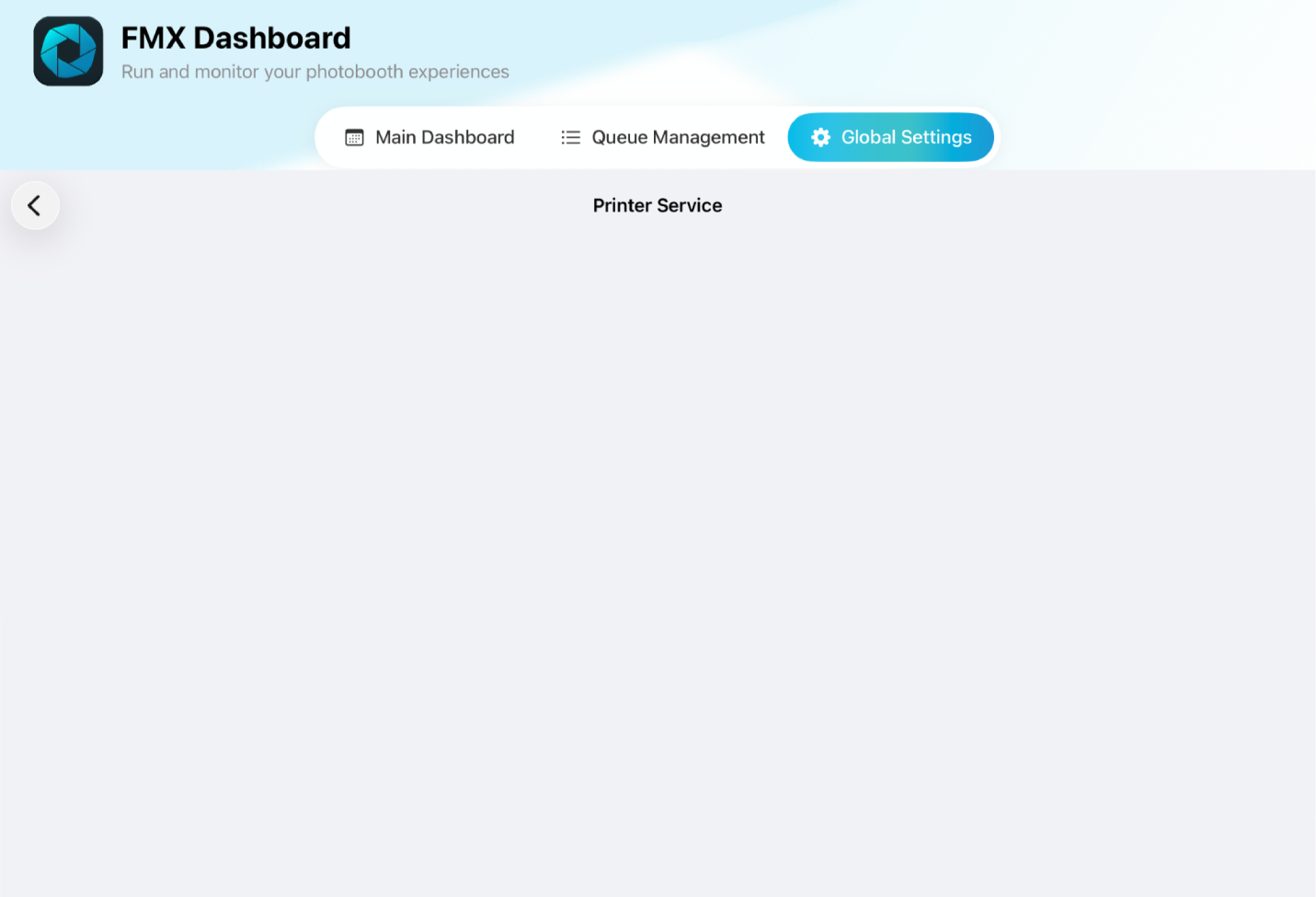
When navigating FMX settings, tapping options such as Printing or Mode does not display any selectable values. Dropdown menus may appear empty or missing entirely.
Cause:
Some settings under Accessibility → Display & Text Size modify how content is rendered on the iPad. When enabled, these settings can interfere with how FMX displays its interface, causing certain elements (such as dropdown options) not to appear.
Solution:
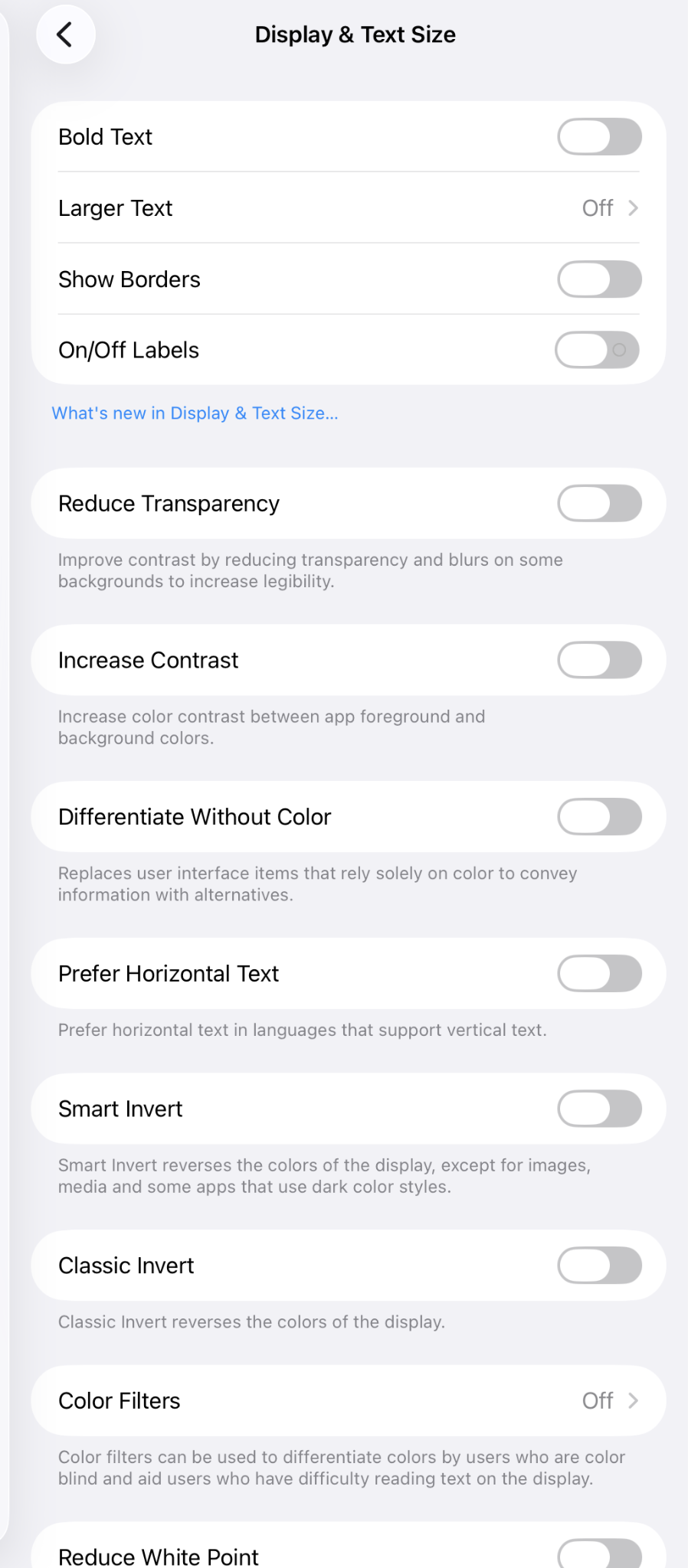
Open the iPad Settings app and go to Accessibility → Display & Text Size.

Review all settings in this section and turn them off.
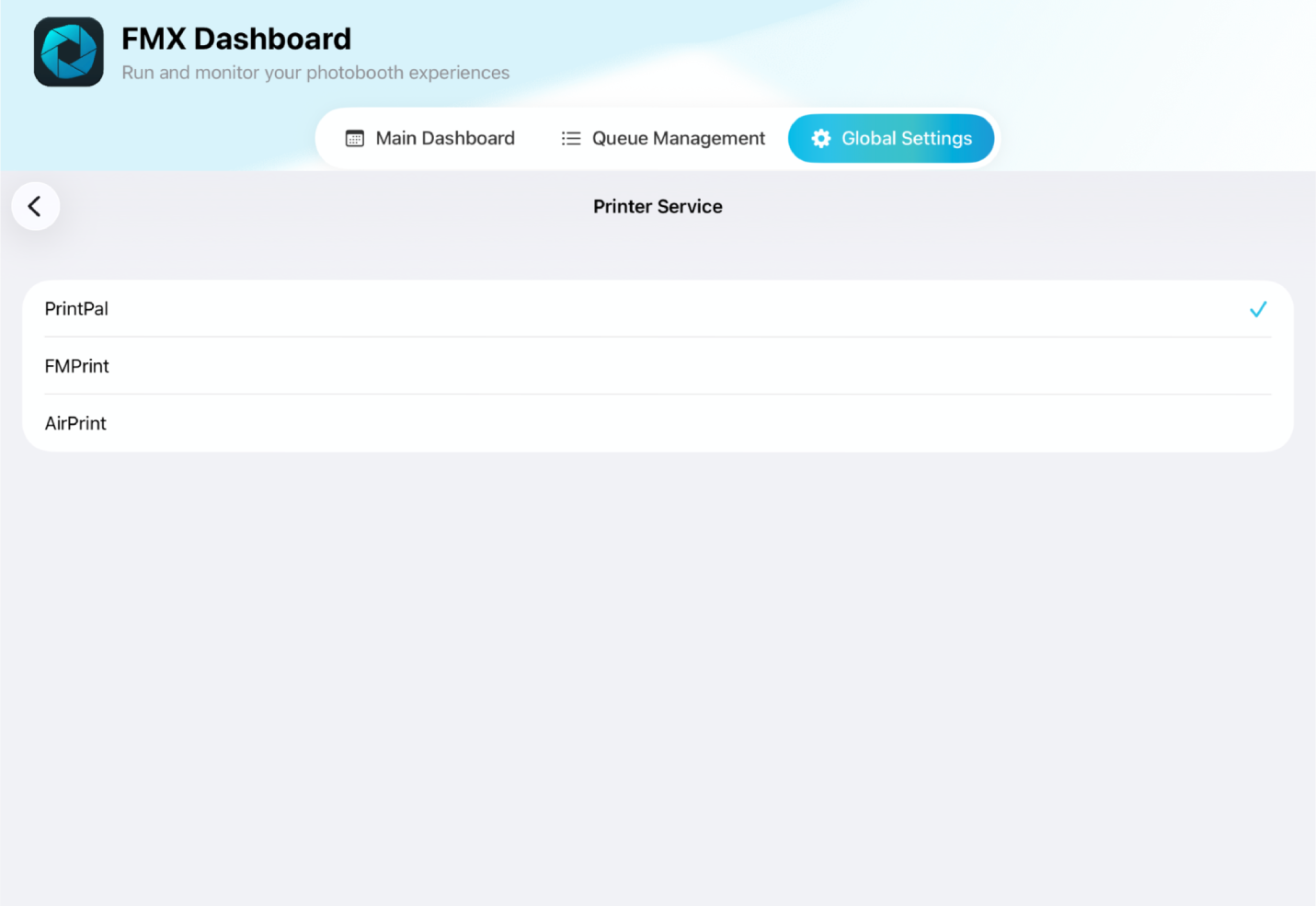
Return to FMX and check the affected settings again. The options should now be visible and functioning correctly
Additional Notes:
If the issue persists after updating these settings, restart the FMX app and check again.
This behavior is related to iPadOS display settings and not a configuration issue within FMX itself.