Foto Master
Home
Software
FMX for WindowsFMX for iPadDMBotAGWallSelfie Wi-FiPMWallFMPrintFMSlideAI Hot Folder
Browse all →
Hardware
Mirror Photo BoothsiPad Photo BoothsDSLR Photo BoothsPhoto Booth StationsAccessories
Browse all →
Cloud
Account & BillingEventsOnline GalleriesPresets & TemplatesAI FeaturesAnalytics & ReportingWhite Label
Browse all →
TroubleshootingBrowse All →
SearchOpen Cloud
HomeBrowseSoftware

Software

FMX for Windows, FMX for iPad, DMBot, AGWall, Selfie Wi-Fi, PMWall, and more.
  • FMX for Windows

    Windows booth software for running Foto Master event experiences.

    Open guide
  • FMX for iPad

    iPad booth software for lightweight and portable event setups.

    Open guide
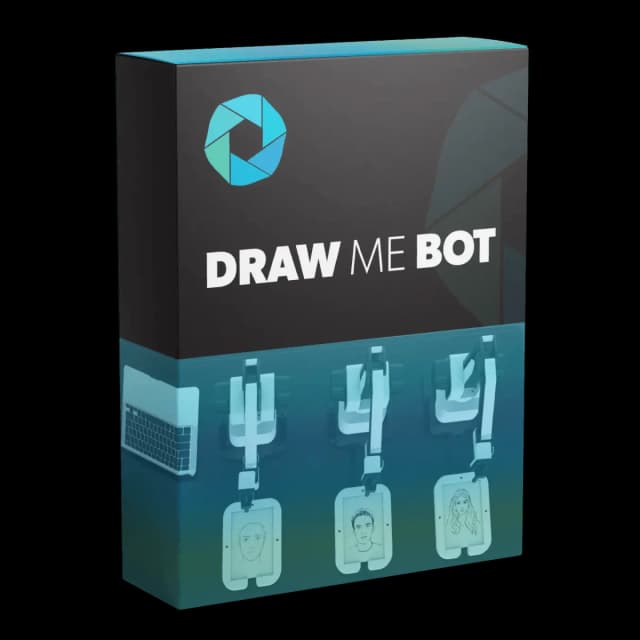
  • DMBot

    Draw Me Bot setup, calibration, queue flow, and operation.

    Open guide

  • AGWall

    Air Graffiti Wall software setup and display configuration.

    Open guide

  • Selfie Wi-Fi

    Self-service capture, moderation, sharing, and gallery flow.

    Open guide
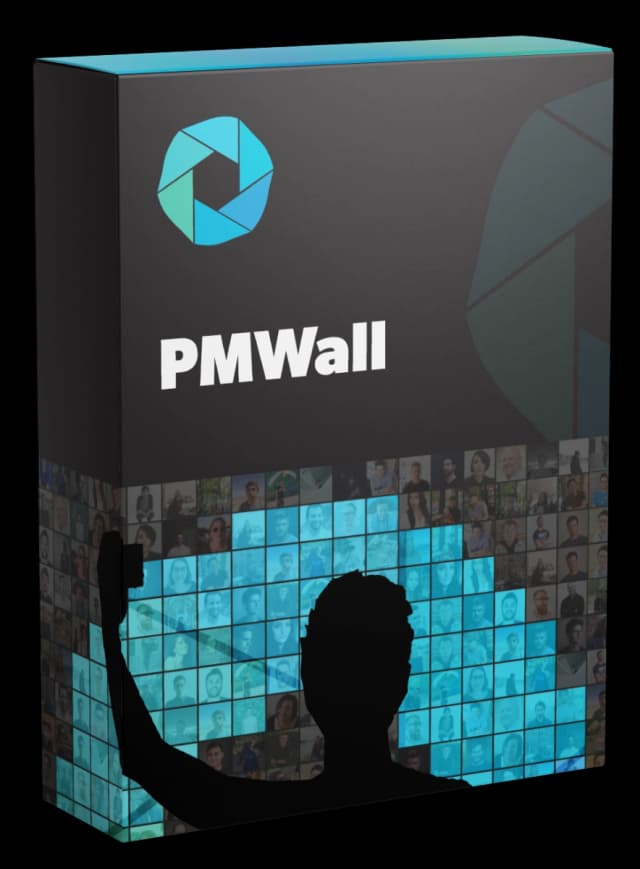
  • PMWall

    Photo Mosaic Wall dashboard, runtime, and output setup.

    Open guide
Included with Cloud Subscription

  • FMPrint

    Cloud-native print management for photo booth events.

    Open guide
  • FMSlide

    Slideshow display tools for live event galleries.

    Open guide
  • AI Hot Folder

    Automated AI processing from watched image folders.

    Open guide
Foto Master

The knowledge base for the Foto Master photo booth ecosystem.

Hardware

  • Mirror Photo Booths
  • iPad Photo Booths
  • DSLR Photo Booths
  • Photo Booth Stations
  • Accessories

Software

  • FMX for Windows
  • FMX for iPad
  • DMBot
  • PMWall
  • AGWall
  • Selfie Wi-Fi

Support

  • Getting Started
  • Troubleshooting
  • FAQ
  • Legacy Products
  • Contact Support

Foto Master

  • fotomaster.com ↗
  • Open Cloud ↗
  • Blog ↗

© 2026 Foto Master Ltd. All rights reserved.v1.0.18

fotomaster.com · Cloud · support@fotomaster.com