
Foto Master
Home
Software
FMX for WindowsFMX for iPadDMBotAGWallSelfie Wi-FiPMWallFMPrintFMSlideAI Hot Folder
Browse all →
Hardware
Mirror Photo BoothsiPad Photo BoothsDSLR Photo BoothsPhoto Booth StationsAccessories
Browse all →
Cloud
Account & BillingEventsOnline GalleriesPresets & TemplatesAI FeaturesAnalytics & ReportingWhite Label
Browse all →
TroubleshootingBrowse All →
SearchOpen Cloud
HomeBrowseHardwareAccessories

Accessories

Cameras, printers, lighting, displays, payment devices, and add-ons.
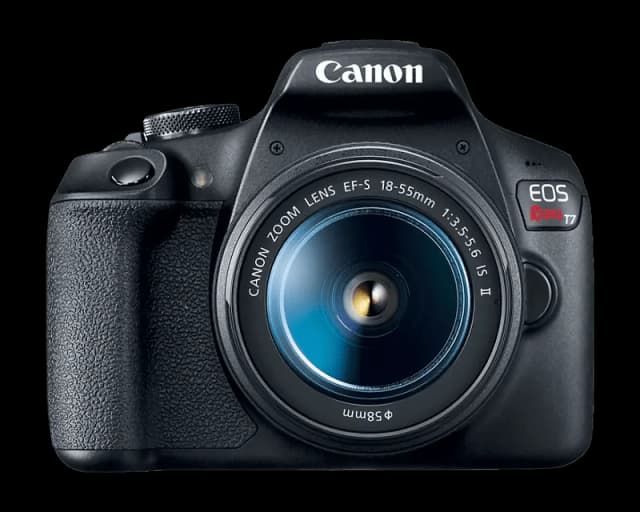
  • Cameras

    9

    Camera setup, supported models, and capture quality.

    View articles
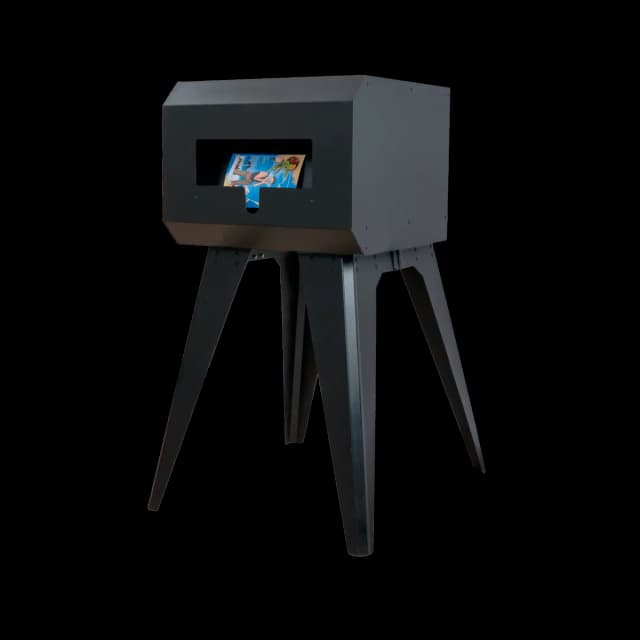
  • Printers

    13

    Printer selection, setup, and output troubleshooting.

    View articles
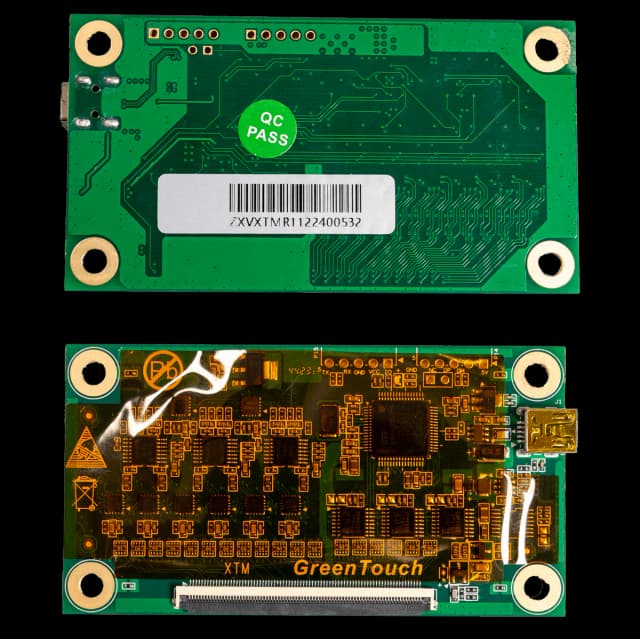
  • Touch Screen Displays

    3

    Display calibration, touchscreen behavior, and screen setup.

    View articles
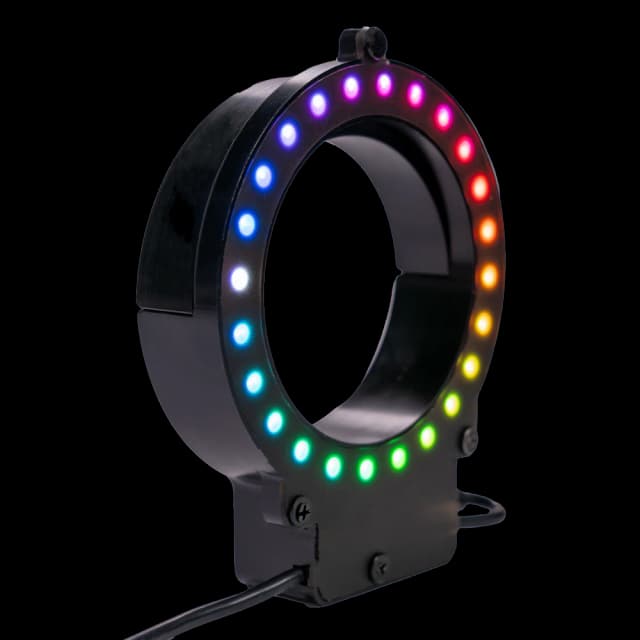
  • LED Ring

    3

    LED ring lighting setup and common issues.

    View articles
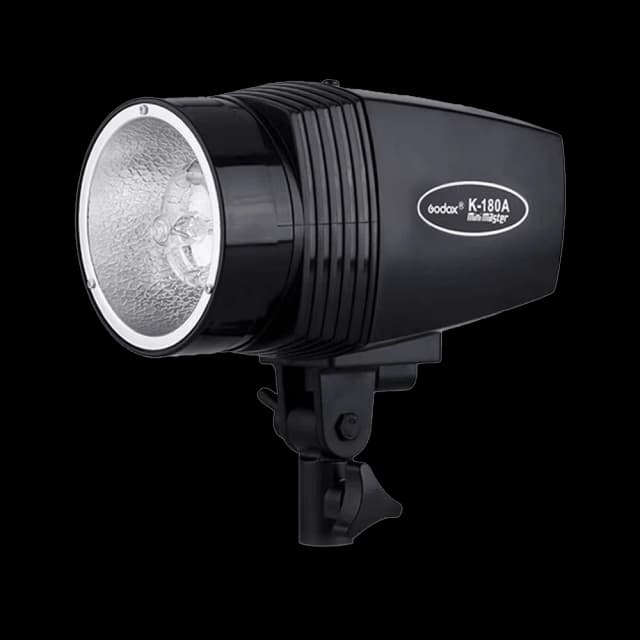
  • Strobe Flash

    2

    Flash setup, strobe configuration, and lighting checks.

    View articles
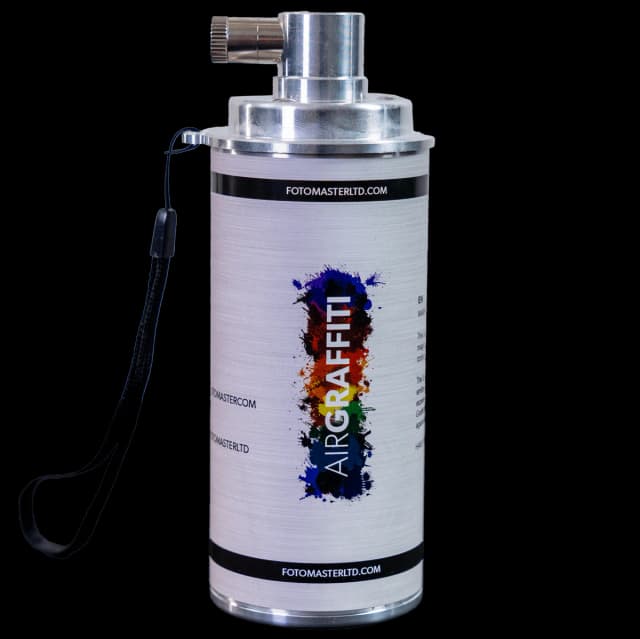
  • Air Graffiti Spray Cans

    4

    Spray can controllers and Air Graffiti accessory setup.

    View articles
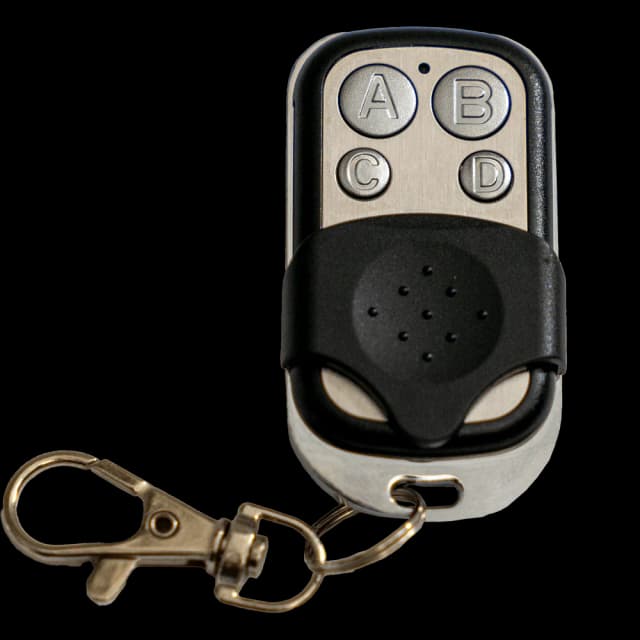
  • Key Fob

    2

    Remote trigger and key fob operation.

    View articles
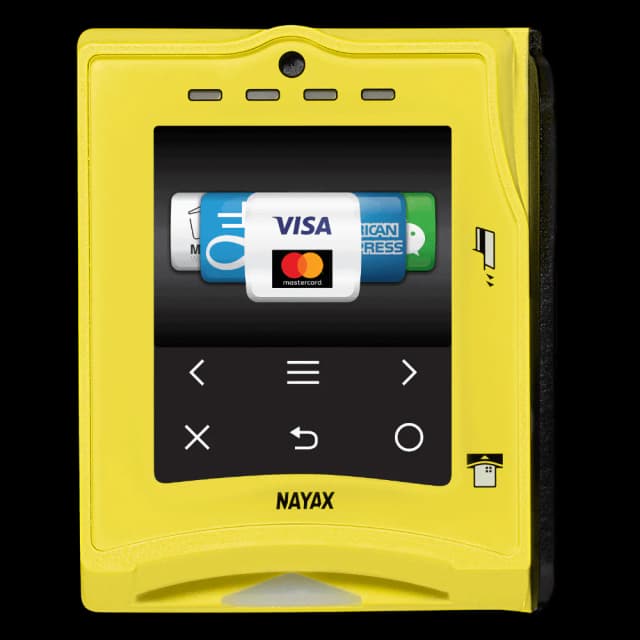
  • Payment Devices

    3

    Card readers, payment setup, and unattended booth payments.

    View articles
Foto Master

The knowledge base for the Foto Master photo booth ecosystem.

Hardware

  • Mirror Photo Booths
  • iPad Photo Booths
  • DSLR Photo Booths
  • Photo Booth Stations
  • Accessories

Software

  • FMX for Windows
  • FMX for iPad
  • DMBot
  • PMWall
  • AGWall
  • Selfie Wi-Fi

Support

  • Getting Started
  • Troubleshooting
  • FAQ
  • Legacy Products
  • Contact Support

Foto Master

  • fotomaster.com ↗
  • Open Cloud ↗
  • Blog ↗

© 2026 Foto Master Ltd. All rights reserved.v1.0.18

fotomaster.com · Cloud · support@fotomaster.com