
Foto Master
Home
Software
FMX for WindowsFMX for iPadDMBotAGWallSelfie Wi-FiPMWallFMPrintFMSlideAI Hot Folder
Browse all →
Hardware
Mirror Photo BoothsiPad Photo BoothsDSLR Photo BoothsPhoto Booth StationsAccessories
Browse all →
Cloud
Account & BillingEventsOnline GalleriesPresets & TemplatesAI FeaturesAnalytics & ReportingWhite Label
Browse all →
TroubleshootingBrowse All →
SearchOpen Cloud
HomeSoftwareFMSlide
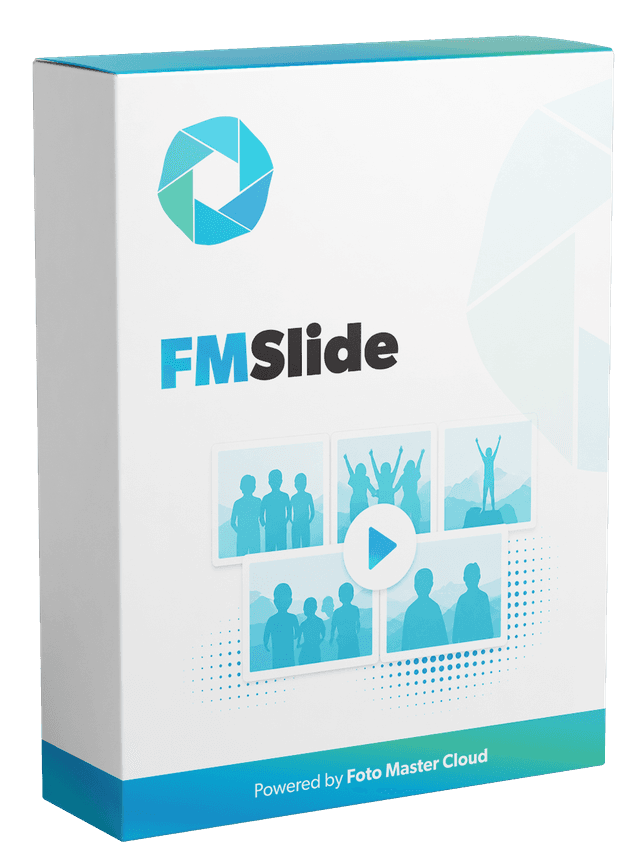
FMSlide software

FMSlide

Guides, setup, and documentation.

Filter by level:

Getting Started

  • FMSlide Overview

    Beginner

    FMSlide is Foto Master's dedicated slideshow and display management application — FREE for all Foto Master customers with an active cloud plan. FMSlide monitors event media folders

    Read article
  • How To Use The FMSlide Software

    Intermediate

    FMSlide displays event photos and videos as a live slideshow on a secondary screen. Use it for reception displays, trade show screens, lobby monitors, and any event where guests sh

    Read article

Templates

  • How to Create FMSlide Template

    Intermediate

    FMSlide templates define how media is presented on the slideshow screen. A template can include the display style, timing, background, and branding choices used for an event. Plan

    Read article

Something not working?

Troubleshooting Hub

Browse fixes and FAQs with search and product filters in one place.

Foto Master

The knowledge base for the Foto Master photo booth ecosystem.

Hardware

  • Mirror Photo Booths
  • iPad Photo Booths
  • DSLR Photo Booths
  • Photo Booth Stations
  • Accessories

Software

  • FMX for Windows
  • FMX for iPad
  • DMBot
  • PMWall
  • AGWall
  • Selfie Wi-Fi

Support

  • Getting Started
  • Troubleshooting
  • FAQ
  • Legacy Products
  • Contact Support

Foto Master

  • fotomaster.com ↗
  • Open Cloud ↗
  • Blog ↗

© 2026 Foto Master Ltd. All rights reserved.v1.0.18

fotomaster.com · Cloud · support@fotomaster.com