
Foto Master
Home
Software
FMX for WindowsFMX for iPadDMBotAGWallSelfie Wi-FiPMWallFMPrintFMSlideAI Hot Folder
Browse all →
Hardware
Mirror Photo BoothsiPad Photo BoothsDSLR Photo BoothsPhoto Booth StationsAccessories
Browse all →
Cloud
Account & BillingEventsOnline GalleriesPresets & TemplatesAI FeaturesAnalytics & ReportingWhite Label
Browse all →
TroubleshootingBrowse All →
SearchOpen Cloud
HomeBrowseHardwareAccessories

Accessories

Cameras, printers, lighting, displays, payment devices, and add-ons.
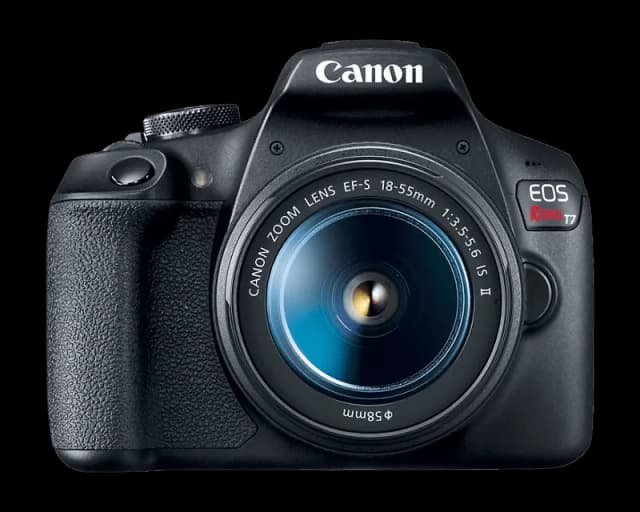
  • Cameras

    9

    Camera setup, supported models, and capture quality.

    View articles
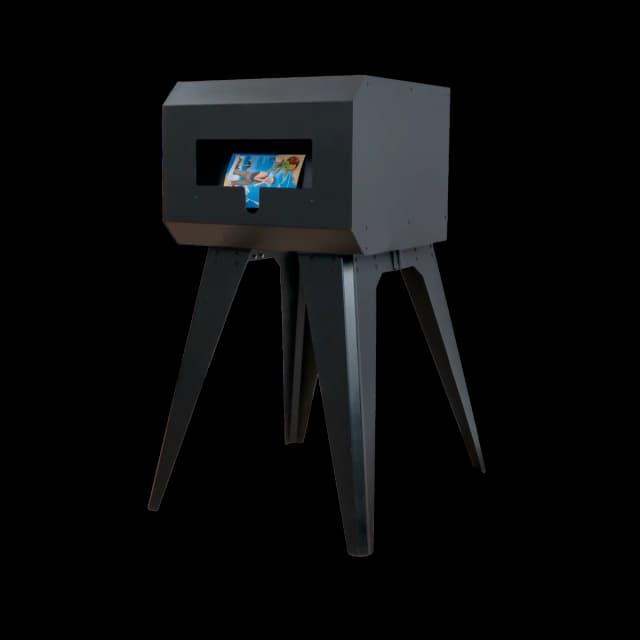
  • Printers

    14

    Printer selection, setup, and output troubleshooting.

    View articles
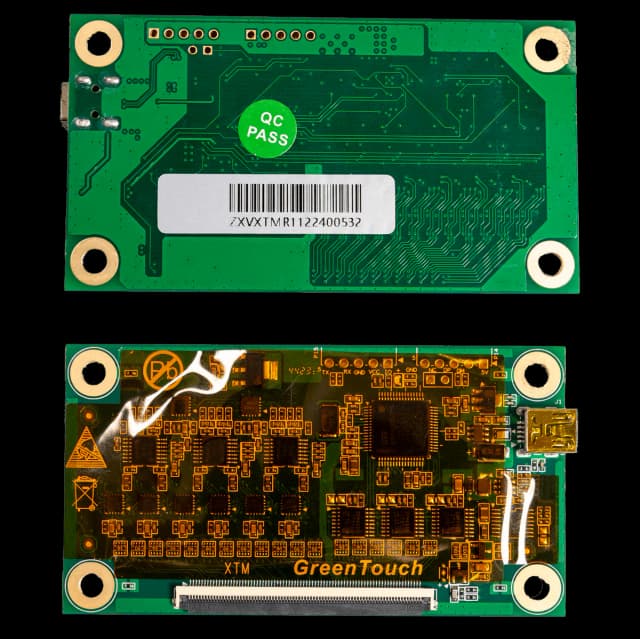
  • Touch Screen Displays

    3

    Display calibration, touchscreen behavior, and screen setup.

    View articles
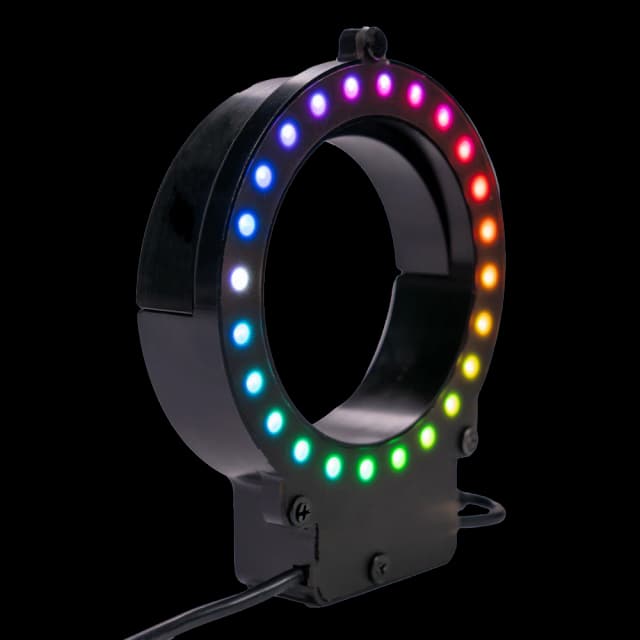
  • LED Ring

    3

    LED ring lighting setup and common issues.

    View articles
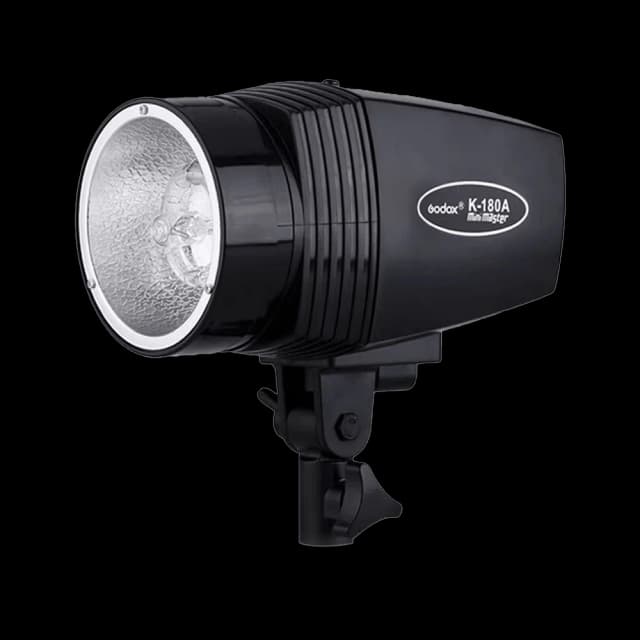
  • Strobe Flash

    2

    Flash setup, strobe configuration, and lighting checks.

    View articles

  • Air Graffiti Spray Cans

    4

    Spray can controllers and Air Graffiti accessory setup.

    View articles
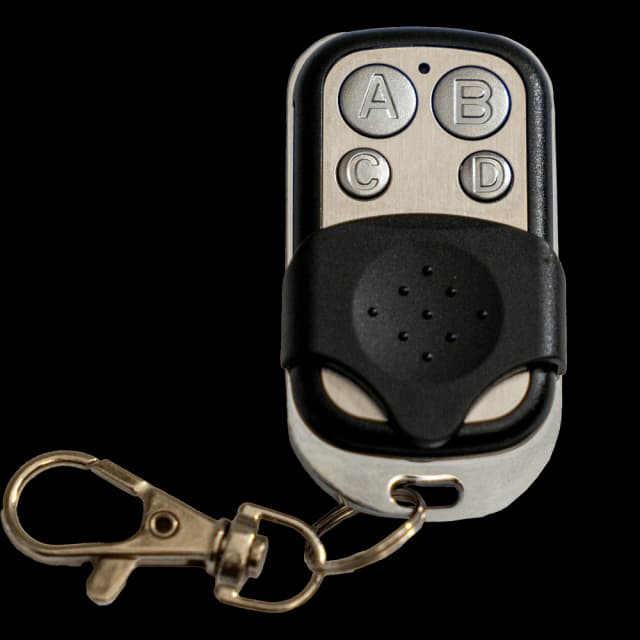
  • Key Fob

    2

    Remote trigger and key fob operation.

    View articles
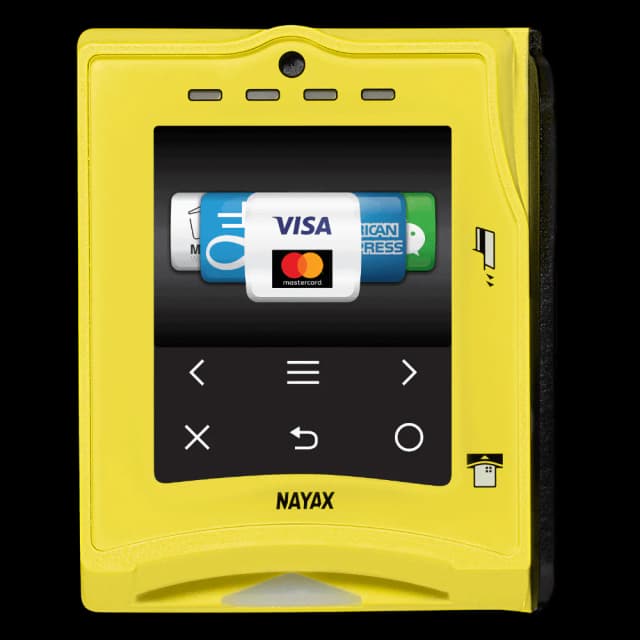
  • Payment Devices

    4

    Card readers, payment setup, and unattended booth payments.

    View articles

Accessories Articles

  • Nikon Camera: SDK Installation and Connection

    Overview FMX for Windows uses the Nikon SDK to communicate with Nikon DSLR cameras. This SDK must be installed before FMX can detect your Nikon camera. Supported Nikon Cameras Most

Foto Master

The knowledge base for the Foto Master photo booth ecosystem.

Hardware

  • Mirror Photo Booths
  • iPad Photo Booths
  • DSLR Photo Booths
  • Photo Booth Stations
  • Accessories

Software

  • FMX for Windows
  • FMX for iPad
  • DMBot
  • PMWall
  • AGWall
  • Selfie Wi-Fi

Support

  • Getting Started
  • Troubleshooting
  • FAQ
  • Legacy Products
  • Contact Support

Foto Master

  • fotomaster.com ↗
  • Open Cloud ↗
  • Blog ↗

© 2026 Foto Master Ltd. All rights reserved.v1.0.19

fotomaster.com · Cloud · support@fotomaster.com