Getting Started
Razor Mirror Booth: Turn Key Package
Congratulations on your Razor Mirror Booth! 🎉 Your Turn Key package includes the complete booth with integrated LED and touch system, iPad, printing laptop, printer, and starter m
Start onboardingRazor Mirror Booth: Bring Your Own Package
Congratulations on your Razor Mirror Booth! 🎉 This guide is for operators who purchased the Bring Your Own Package: you supply the iPad, printing laptop, printer, and media. Tip:
Start onboarding
Overview
Razor Mirror Booth Overview
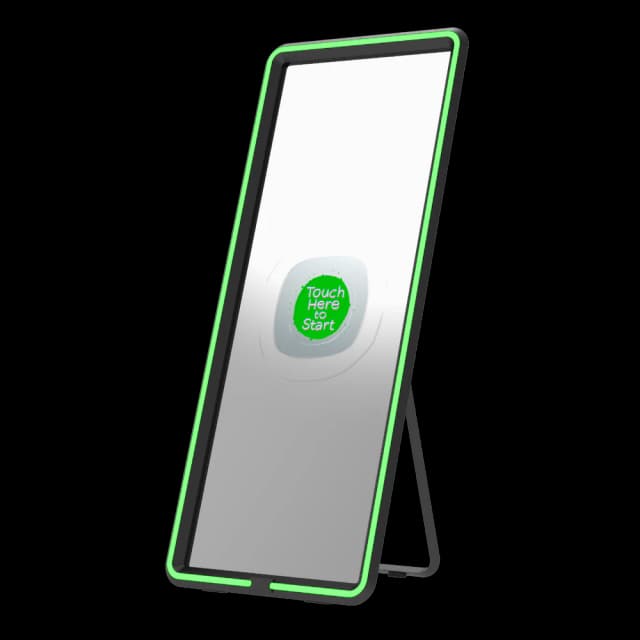
What Is the Razor Mirror Booth? The Razor Mirror Booth is Foto Master’s ultra-slim iPad mirror photo booth, designed for operators who want a premium mirror-style experience in the
Read overviewRazor Mirror Booth: Touchscreen Setup
Complete the following steps in order before attempting any touch calibration. Skipping these may prevent touch from working correctly.Part 1: Set Up Screen OrientationOpen the FMX
Read overview
Setup Guide
Razor Mirror Booth: Connecting the iPad
This video walks through the steps to connect an iPad to the Razor Mirror Booth. Can't see the video? Watch on YouTube
View setup guideRazor Mirror Booth: First Time iPad Setup
This video covers the first-time iPad connection steps for the Razor Mirror Booth. These steps are only required on initial setup, subsequent connections follow the standard proces
View setup guideRazor Mirror Booth: Transportation Demonstration
This video demonstrates how to safely transport the Razor Mirror Booth: covering how to fold, move, and secure the unit for transit between events. Can't see the video? Watch on Yo
View setup guide