
Hardware onboarding
iPad Photo Booths
Use this flow for iPad-based booths and iPad-driven activations. It covers the iPad app, device settings, events, sharing, printing, and add-on hardware.
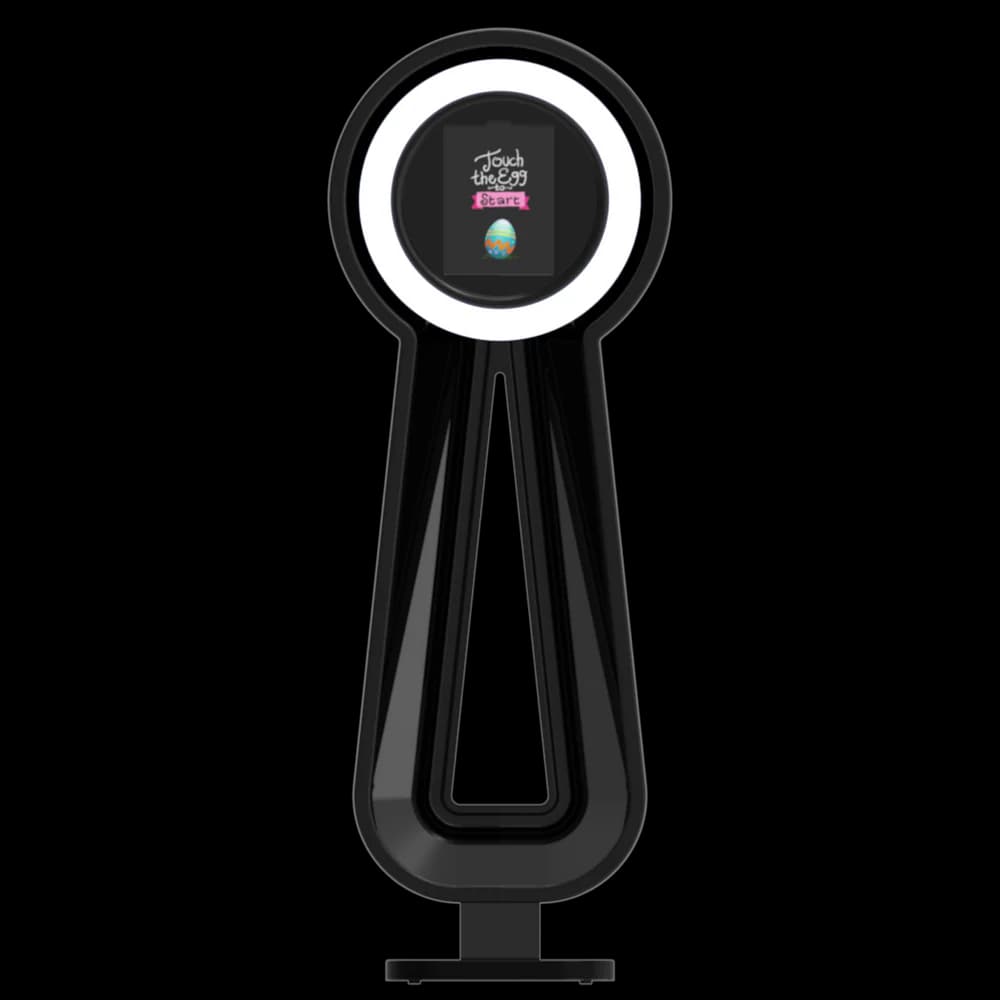
Best setup flow
Move through these sections in order. Each one links to the most relevant articles for that part of the setup.
Prepare the booth and iPad
Set up FMX on iPad
Sync the Cloud event
Configure sharing and printing
Add special iPad hardware when needed
1. Prepare the booth and iPad
Confirm hardware, power, mounting, iPadOS compatibility, and the event space before opening the app.
2. Set up FMX on iPad
Open the main dashboard, review app-specific settings, connect camera/input options, and set external display behavior if used.
3. Sync the Cloud event
Create the event in Cloud, assign the preset, sync the event to the iPad, and verify assets before the activation starts.
Creating a Cloud Event
Events are the foundation of how Foto Master Cloud organizes your photo booth operations. Cloud-synced media, galleries, sharing, AI usage, surveys, and print activity are tied to
Event Settings
Every event in Foto Master Cloud has its own settings that control the online gallery, Pro Slideshow, email and SMS delivery, surveys, white-label branding, and which Foto Master s
Presets: Overview
Presets are one of the most time-saving features in Foto Master Cloud. A preset packages your booth setup, including workflow, layout, video settings, and related assets, into a re
4. Configure sharing and printing
Set up guest sharing, online galleries, and printer behavior for iPad-specific workflows.
Sharing Gallery Links & QR Codes
Getting guests to your online gallery should be effortless. Foto Master Cloud provides multiple ways to share gallery access -- from QR codes displayed at the booth to shareable li
SMS Sharing
SMS sharing lets guests receive their photo booth photos instantly via text message. It's one of the fastest and most reliable delivery methods, since nearly everyone has their pho
Email Templates
Email delivery is one of the most popular ways guests receive their photo booth photos. Foto Master Cloud lets you create branded email templates so every message that goes out rei
5. Add special iPad hardware when needed
For Draw Me Bot or V-Motion setups, follow the dedicated setup and calibration articles before running guests.