
AI Style Pop
AI Style Pop transforms guest photos into stylized, character-driven artwork that turns every person into a unique collectible-style figure or artistic character. Think action figures in packaging, claymation characters, felt puppets, crystal guardians, and more -- all generated from a single booth photo.
This feature is a standout at trade shows and brand activations where you want to deliver something visually striking that guests have never seen before.
- Processing time: ~32 seconds
- Wow factor: 8/10
- Best for: Trade shows, brand activations, themed parties, product launches, premium experiences
Available Styles
AI Style Pop includes 13 built-in styles, each producing a distinctly different artistic look:
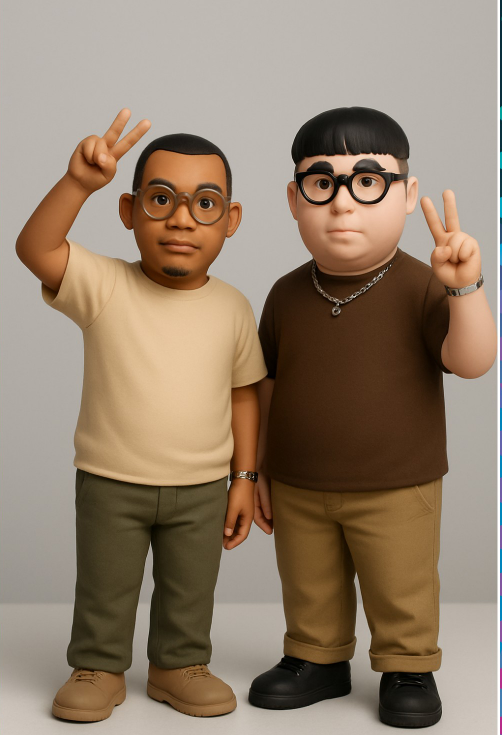
- Collectible Figures -- Boxed action figure-style characters with packaging design and accessories
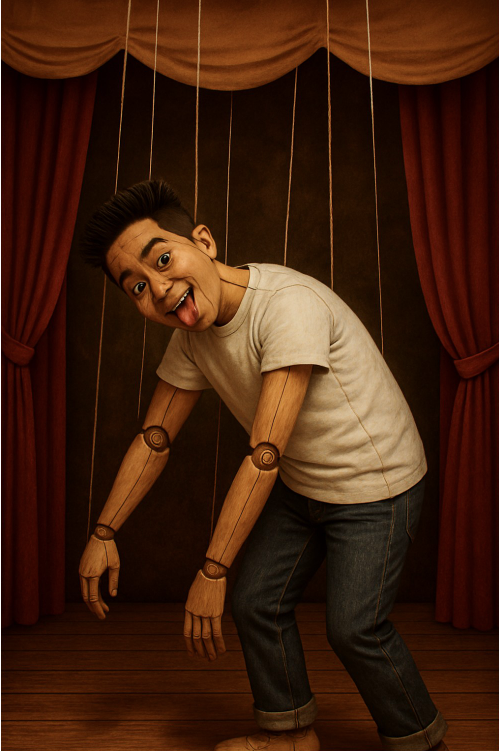
- Puppet Theater -- Classic puppet show-style characters with soft, handcrafted detail
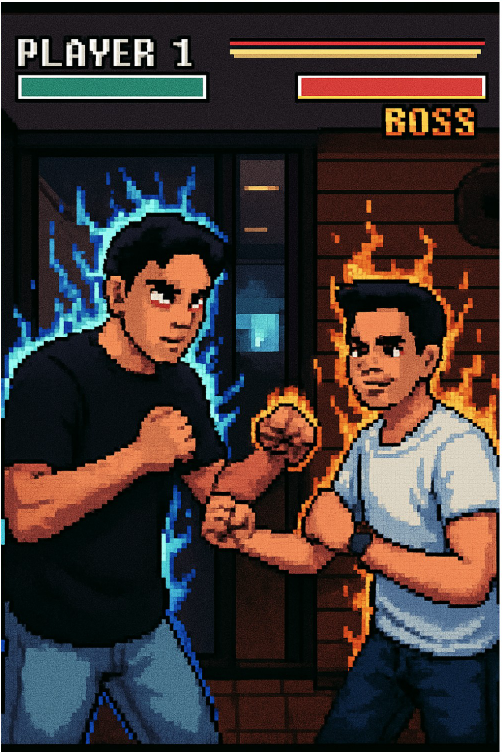
- Arcade Boss Lineup -- Video game boss character style with dramatic posing
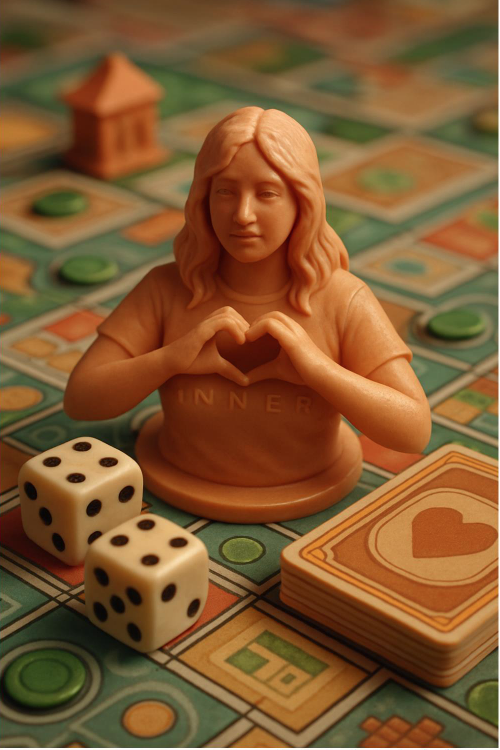
- Board Game Figures -- Miniature game piece-style characters on a game board
- Crystal Guardians -- Crystal-infused fantasy warrior characters with glowing energy effects
- Marble Museum Sculptures -- Classical marble sculpture renderings with museum display setting
- Origami -- Folded paper art style with geometric precision and shadow depth
- Animal Reflection -- Guests paired with their spirit animal in artistic composition
- Sand Castle -- Intricate sand sculpture renderings on a beach setting
- Claymation Scene -- Stop-motion clay animation characters with textured, handcrafted detail
- Felt Puppets -- Soft, colorful felt puppet versions in the style of classic puppet shows
- Dia de los Muertos -- Day of the Dead sugar skull-inspired artistic portraits
- Glass Figure -- Transparent glass sculpture renderings with light refraction effects
New styles are added regularly through Foto Master Cloud updates.
Three Operating Modes
- Automatic -- Select from the 13 built-in styles, or use Random mode to surprise guests with a different style each time
- Animation -- Keyboard input mode that adds custom text overlays to styled photos
- Custom -- Enter your own prompt to create entirely unique styles
Random Mode
Do not want to commit to a single style? Random mode selects a different style for each guest, creating an element of surprise and variety throughout the event.
- Guests get excited to see which style they receive
- Encourages repeat visits as guests come back to try for a different style
- Works well at events where you want maximum variety and engagement
To enable Random mode, select "Random" from the style dropdown in your AI Style Pop configuration.
Style Gallery
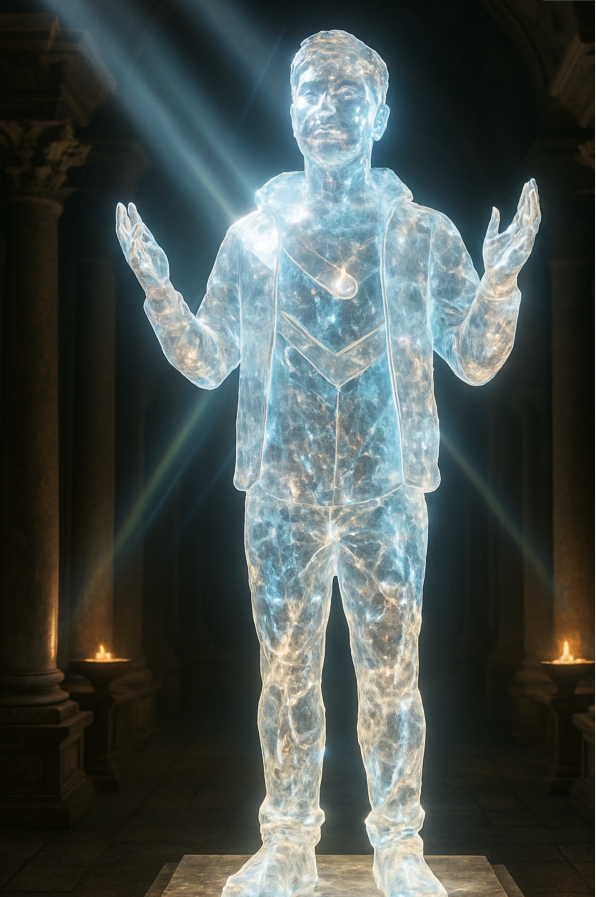
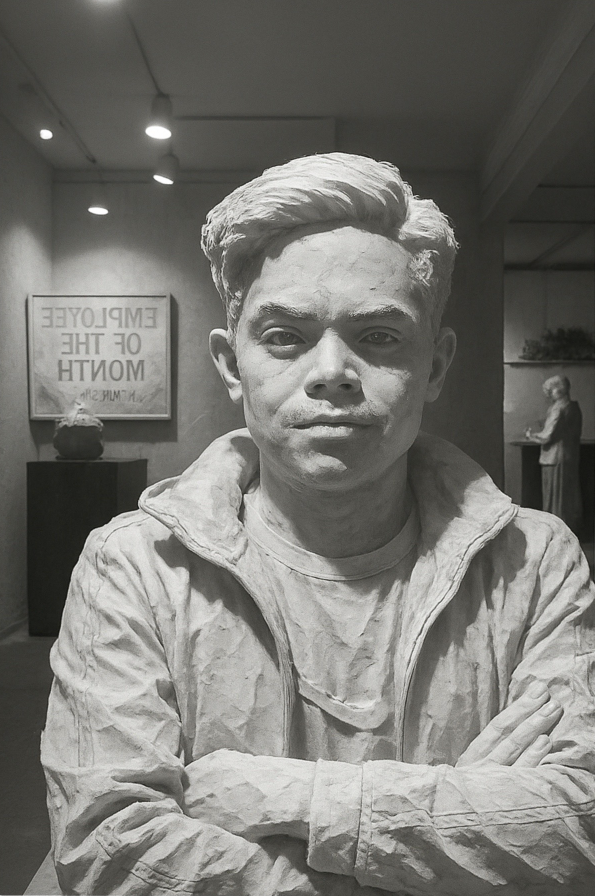
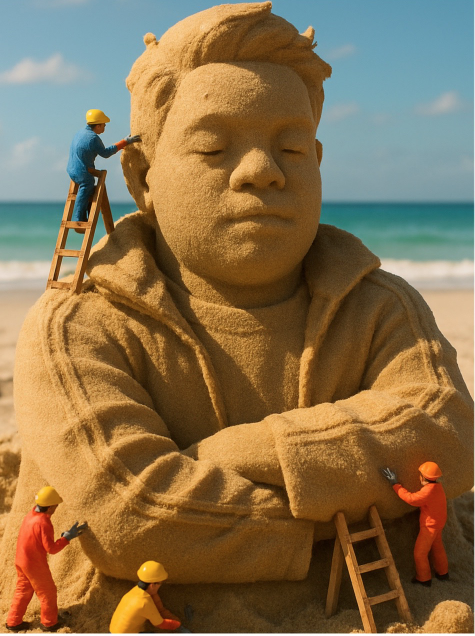
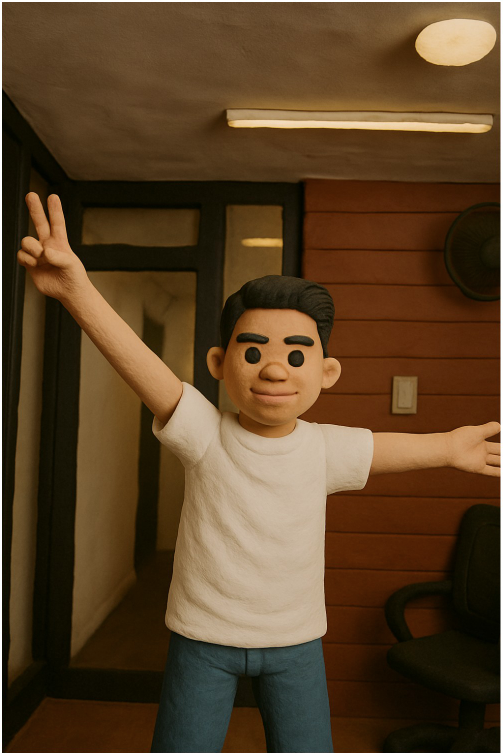
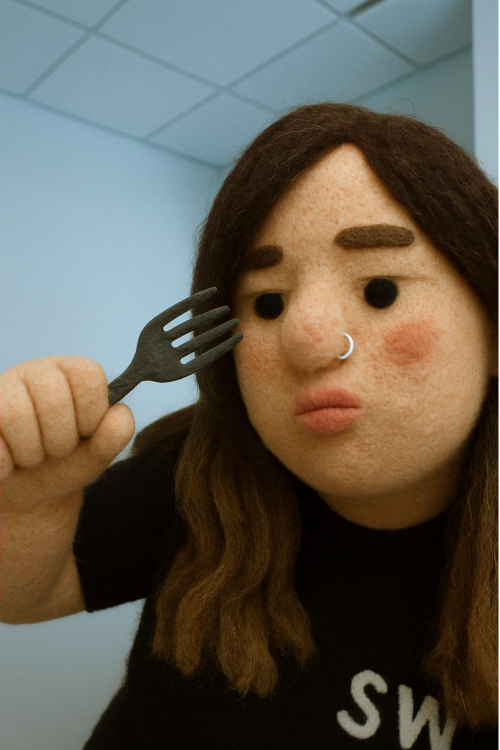
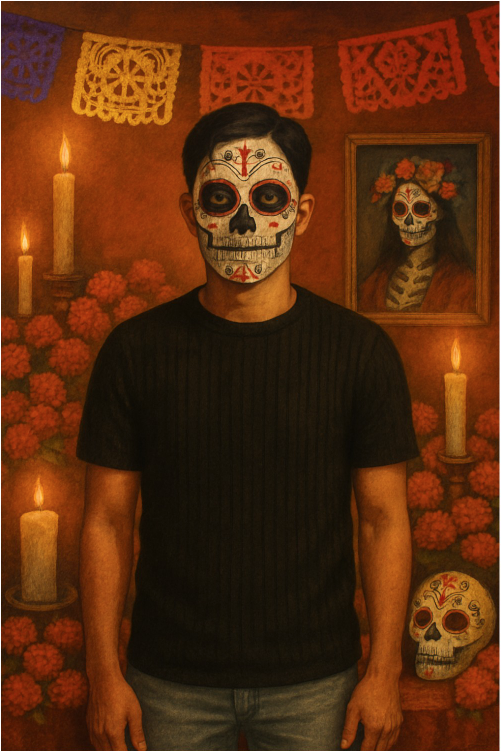
Custom Prompts
Beyond the built-in styles, AI Style Pop supports custom prompts for operators who want to create their own unique styles:
- Write a descriptive prompt that defines the artistic style you want
- Include specific details about the look, texture, color palette, and character elements
- Test thoroughly before the event to fine-tune your custom prompt
Custom prompts open up endless creative possibilities -- you can design styles that match a client's brand identity, event theme, or marketing campaign.
Tip: When writing custom prompts, be descriptive about the visual style but avoid overly complex instructions. Focus on the art style, medium, color palette, and character elements you want the AI to capture.
Processing Considerations
AI Style Pop has a longer processing time (~32 seconds) compared to other AI features because of the complexity of the artwork it generates. Keep this in mind when planning your event workflow:
- Set guest expectations. Let guests know their artwork is being generated and will be ready in about 30 seconds. Consider displaying a progress animation or "creating your character" screen.
- Plan for queue flow. At high-traffic events, the longer processing time can create bottlenecks. Consider running multiple booths or alternating between AI Style Pop and faster features.
- Use Speed mode when needed. If wait times become an issue, switching to Speed processing mode can reduce the time at the cost of some detail.
Tip: Display sample Style Pop artwork near the booth so guests can see what to expect while they wait. Seeing the quality of the output makes the wait feel worthwhile.
Use Cases
- Trade shows -- Create collectible-style figures of booth visitors as memorable branded takeaways
- Brand activations -- Design custom styles that incorporate brand elements, mascots, or product themes
- Themed parties -- Match the style to the party theme (fantasy characters for medieval events, vinyl toys for pop culture gatherings)
- Product launches -- Generate character artwork that visually connects to the product being launched
- Corporate events -- Create claymation or puppet-style team portraits for a fun, creative twist on traditional headshots
- Retail experiences -- Offer in-store Style Pop transformations as an engagement tool
Tips for Best Results
- Good lighting is essential. Clear, even lighting on the face produces the best character transformations.
- Simple backgrounds help. While the AI replaces the background entirely, a clean starting image gives the AI more to work with.
- Encourage expressive poses. Unlike traditional headshots, Style Pop benefits from personality -- smiles, gestures, and character can all enhance the final artwork.
- Test all styles in advance. Run sample photos through each available style to identify which ones work best with your lighting setup and audience.
Was this helpful?
Related articles
AI Features Overview
Foto Master Cloud brings the power of artificial intelligence directly into your photo booth workflow. With 14+ AI-powered features available at cloud.fotomaster.com, you can offer
AI Playground
AI Playground is a space inside Foto Master Cloud where you can test and explore AI features without setting up a workflow or connecting a booth. Upload a photo, pick a feature, co
AI Modify
AI Modify is a generative AI feature that transforms photos taken at the booth. It works on the original photo (the people, faces, poses, and group layout stay intact) and AI appli
AI Combine
Can't see the video? Watch on YouTube AI Combine generates new AI images using a reference image and a text prompt: producing results that maintain consistent visual style, brandin
AI Background Removal
AI Background Removal automatically strips the background from any photo, isolating the subject cleanly without needing a physical green screen. This means you can place guests aga