
How to Focus Your DSLR Camera
There are two methods for focusing a DSLR camera with FMX, autofocus and manual focus. Use whichever your camera and shooting conditions support best.
Note: If you're using an LED ring, make sure the USB cord does not pull it down, which can prevent you from focusing the camera properly.
Autofocus Method
1. Switch your Camera from MF to AF {There's a button on your camera lens that can be switched from AF (Auto Focus) to MF (Manual Focus) and back}.
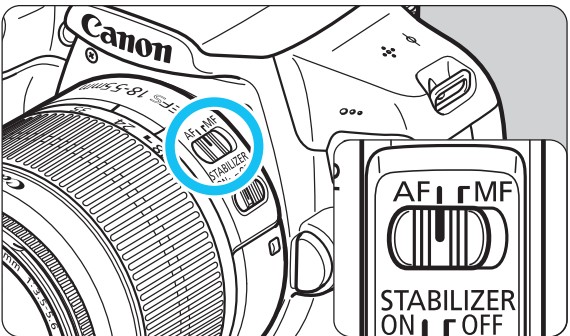
2. Press the shutter button halfway, and the camera will focus on the Subject.

3. Switch back to Manual Focus.
Test if the camera is focused by taking a photo
Possible issues:
- The camera will not be able to focus in low light conditions - make sure your subject is well-lit.
- The LED Ring might be obstructing the lens from moving freely.
- The Subject is moving
- Other people are moving in the frame.
- Autofocusing while the Subject is very far out of focus.
Manual Focus Method
1. Switch your Camera's focus mode to MF.
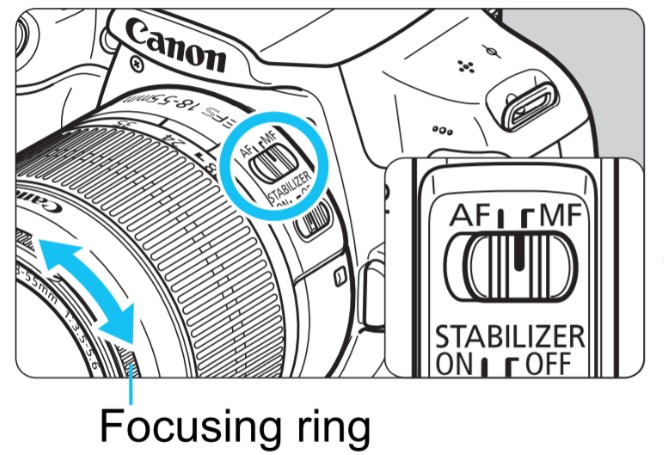
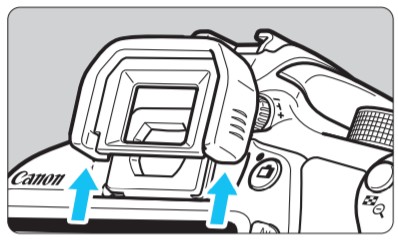
2. Look through the camera's viewfinder:
3. Put your hand at the end of your lens, onto the last ring - that is the part that is in charge of the lens's focus.
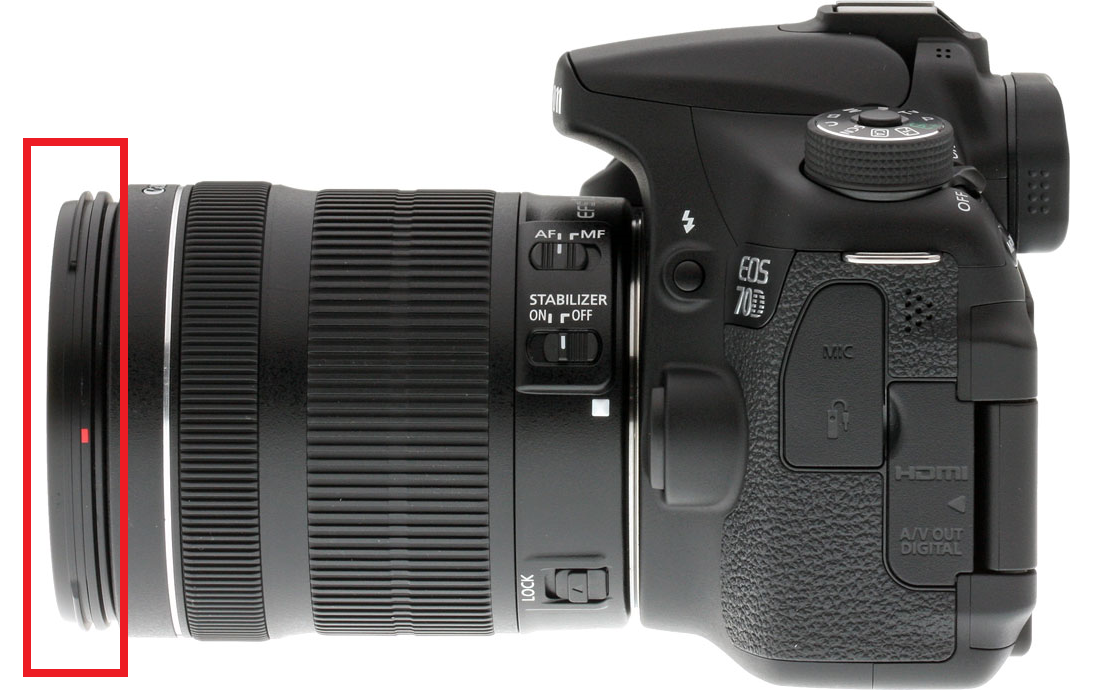
4. Turn the Ring left and right until you see the subject in front of the camera in focus.
And you're good to go!
Video Instructions
Was this helpful?
Related articles
Printer Comparison: DNP Models for Photo Booths
Overview DNP photo printers are widely used by photo booth operators because they are dependable, event-ready, and produce professional dye-sublimation prints. FMX supports printin
Choosing the Right Camera for Your Photo Booth
Your camera is the single most important component affecting photo quality in your booth. FMX supports Canon, Nikon, Sony, and GoPro cameras. FMX for Windows also supports USB webc
Camera Basics for Photo Booth Operators
You do not need to be a professional photographer to run a great photo booth, but understanding a few camera fundamentals will help you deliver consistently high-quality photos acr
FMX Supported Camera List
FMX supports Canon, Nikon, Sony, and GoPro cameras. FMX for Windows also supports UVC-compliant USB webcams, while FMX for iPadOS can use the iPad's built-in cameras. Support and s
Camera Basics: The Exposure Triangle
This video explains the exposure triangle (aperture, shutter speed, and ISO) and how each setting interacts to control the final look of your photo. Recommended for operators who w