
When Settings Options Not Visible (FMX for iPad)
If certain options are not visible in FMX for iPadOS (for example, under Global Settings → Printing, Mode, or other configuration areas), this is typically caused by display-related accessibility settings on the iPad. This issue has been observed on newer iPadOS versions and can prevent parts of the interface from rendering correctly.
Problem:
When navigating FMX settings, tapping options such as Printing or Mode does not display any selectable values. Dropdown menus may appear empty or missing entirely.
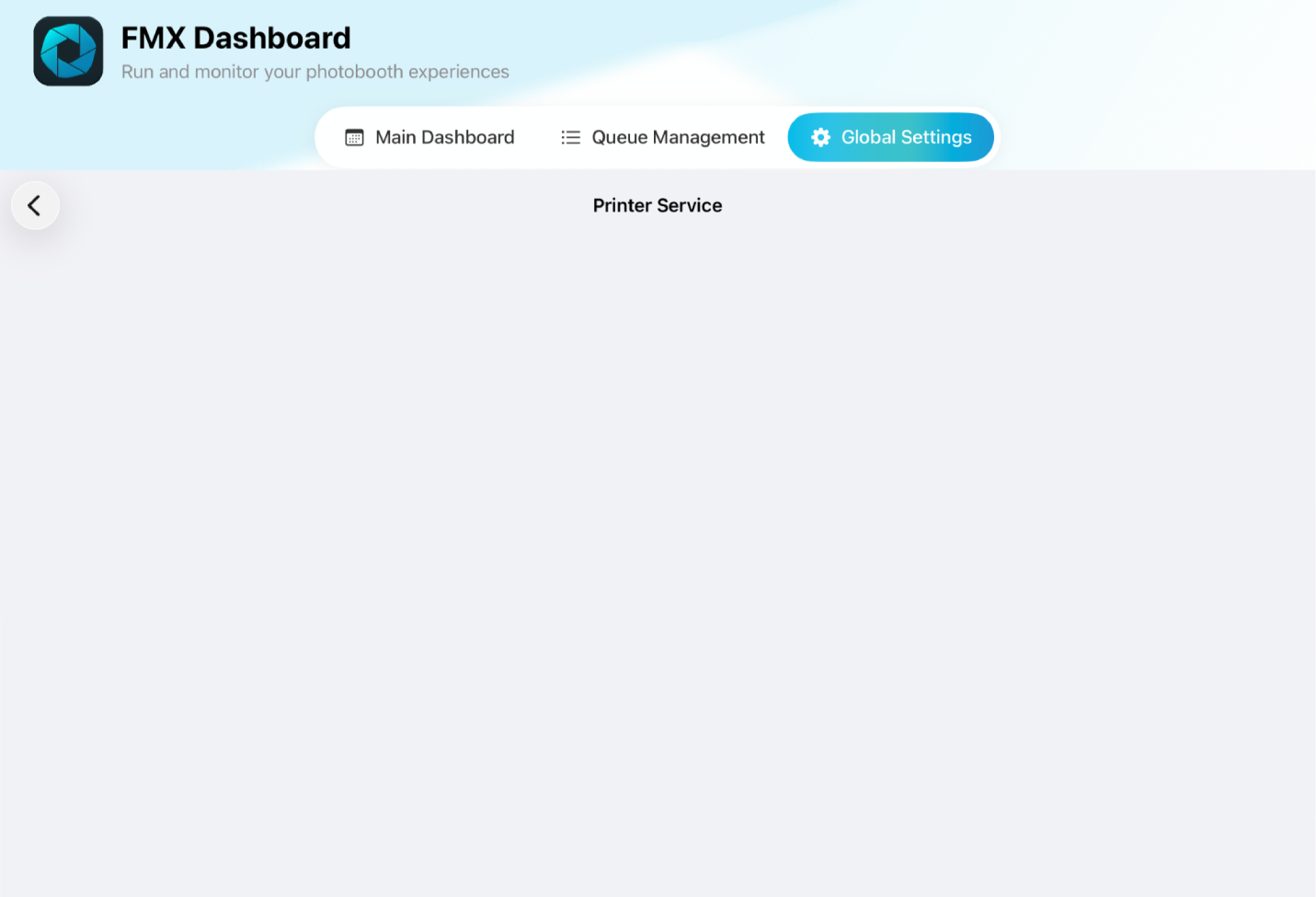
Cause:
Some settings under Accessibility → Display & Text Size modify how content is rendered on the iPad. When enabled, these settings can interfere with how FMX displays its interface, causing certain elements (such as dropdown options) not to appear.
Solution:
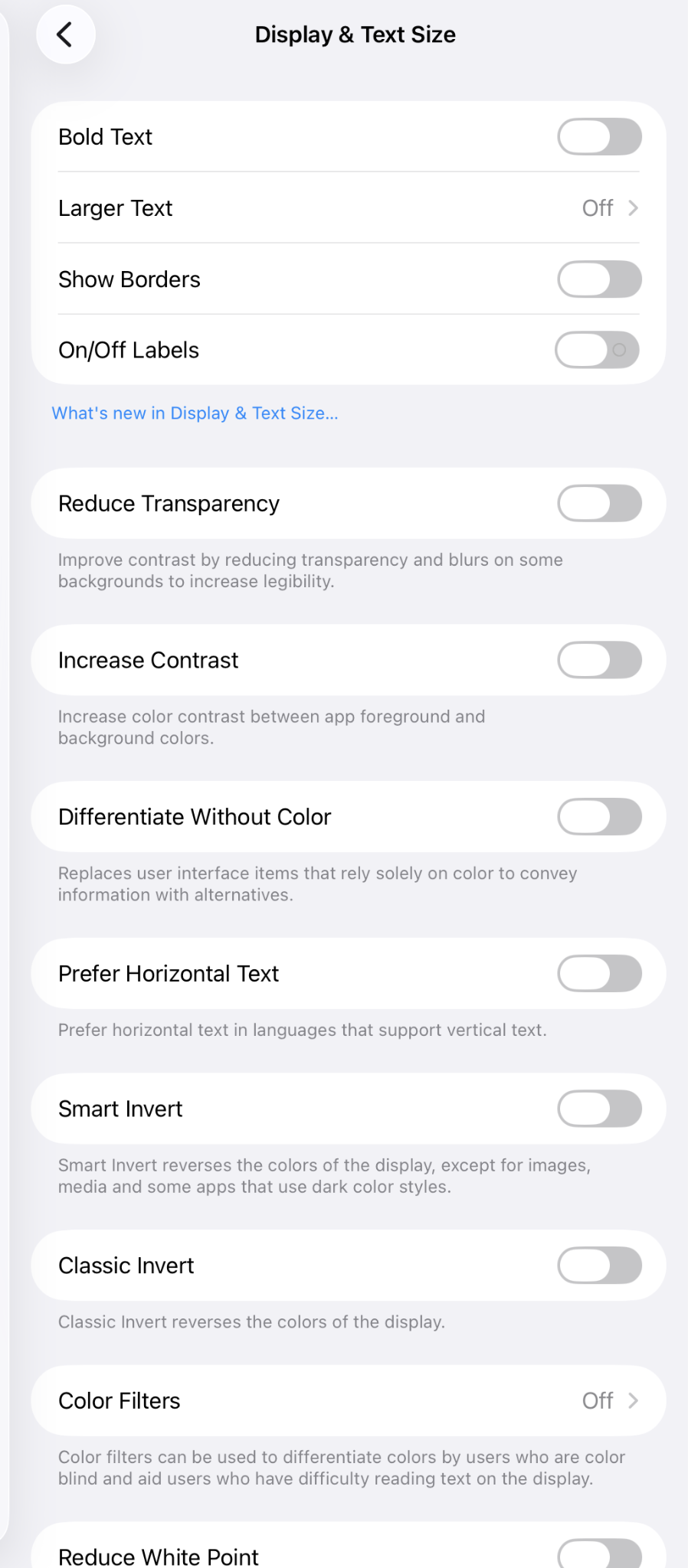
Open the iPad Settings app and go to Accessibility → Display & Text Size.
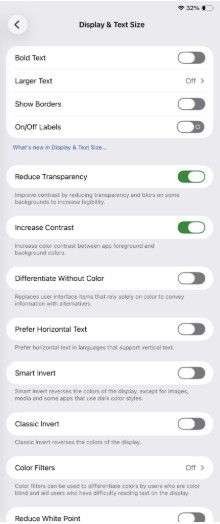
Review all settings in this section and turn them off.
Return to FMX and check the affected settings again. The options should now be visible and functioning correctly
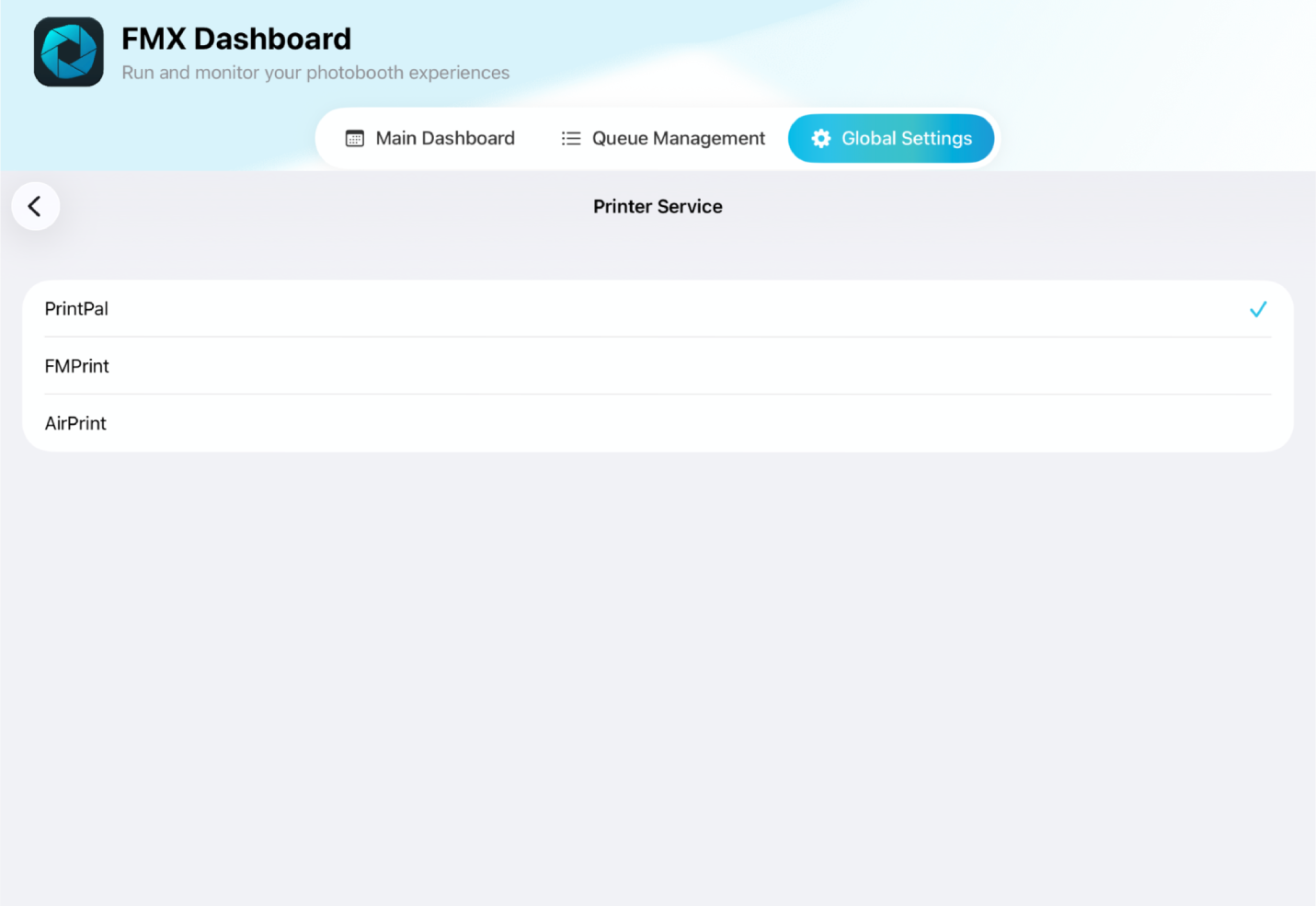
ℹ️ Info: If the issue persists after updating these settings, restart the FMX app and check again. This behavior is related to iPadOS display settings and not a configuration issue within FMX itself.
Was this helpful?
Related articles
Photos Taken But Not Printing
Quick Checks First Is the printer powered on with the ready light solid? Is paper loaded with the ribbon from the same box? Is the USB cable connected between the printer and booth
Booth Computer Running Slowly at Events
Common Causes Windows Update downloading in the background Antivirus scanning during the event Low disk space on the system drive Too many hours without a restart: memory buildup I
How to Export All Event Data
This article explains how to export photos, videos, guest contact data, survey results, and event statistics from Foto Master Cloud.Exporting Photos and Videos Log in to cloud.foto
License Activated but Events List is Empty
You logged in successfully, your Cloud Licenses tab shows your license as Activated, but when you open FMX (or your booth software) the events list is empty -- nothing to select, n
License Activation Issues
Activating your Foto Master software should take just a minute or two. If something isn't working, this page walks through the fixes step by step. Before anything else, confirm whi