
Resending from Offline Gallery
Here is how you can resend (via Email or SMS), reprint, or rescan the QR code of your previously taken photos and videos. This lets guests get their photo or video again without repeating their session.
- Open FMX and make sure you select the event for which you have taken some photos.
- Press Ctrl + G on your keyboard to access the Offline Gallery. You can also open it by right-clicking in the top corner of the screen.
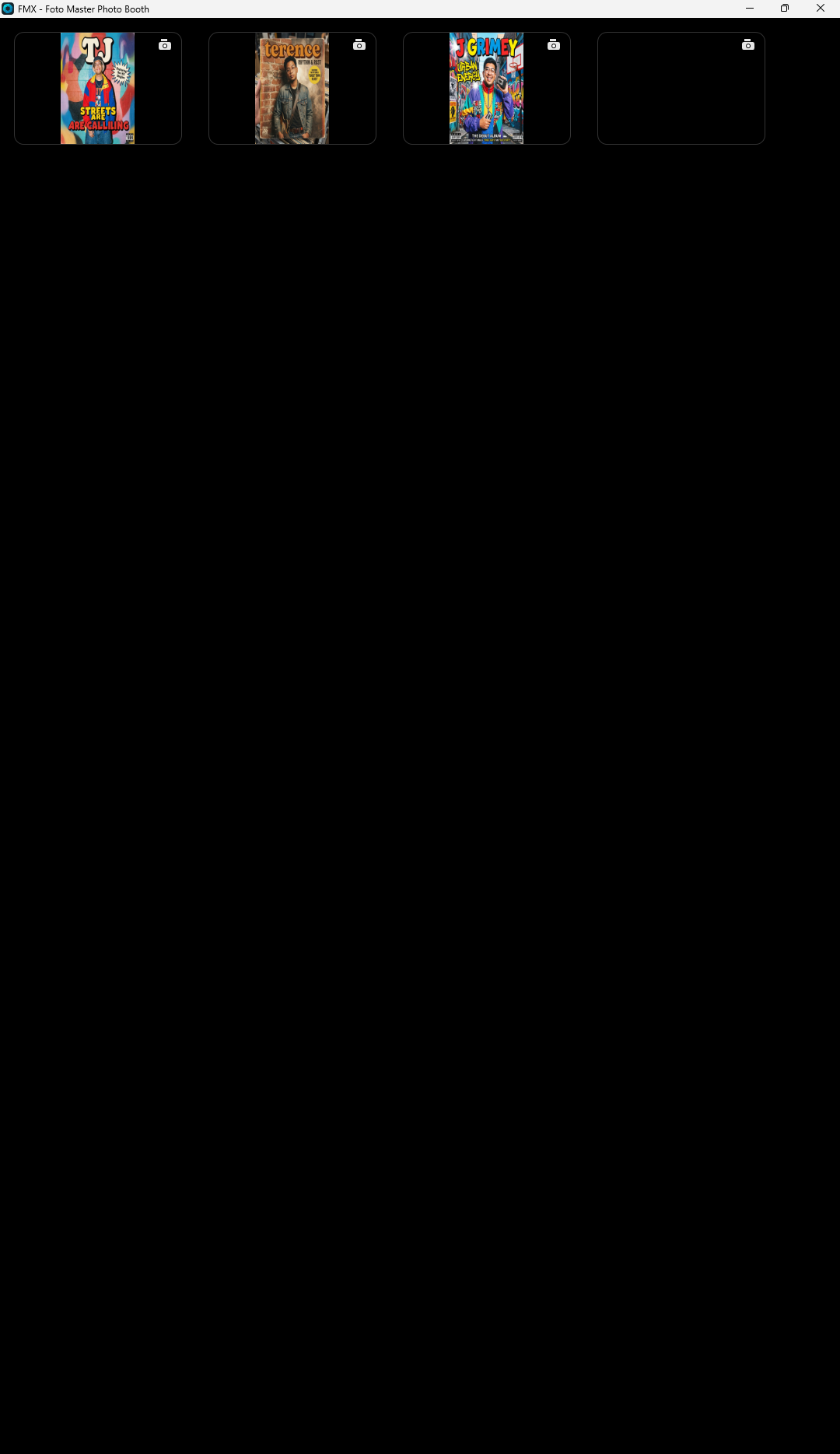 Find the photo or video you need. All photos and videos from the event are shown in order, and the first item is the most recent result.Select the photo or video that you want to resend, reprint, or rescan the QR code for.
 - Choose how to share it again using the QR Code, Email, or SMS option.
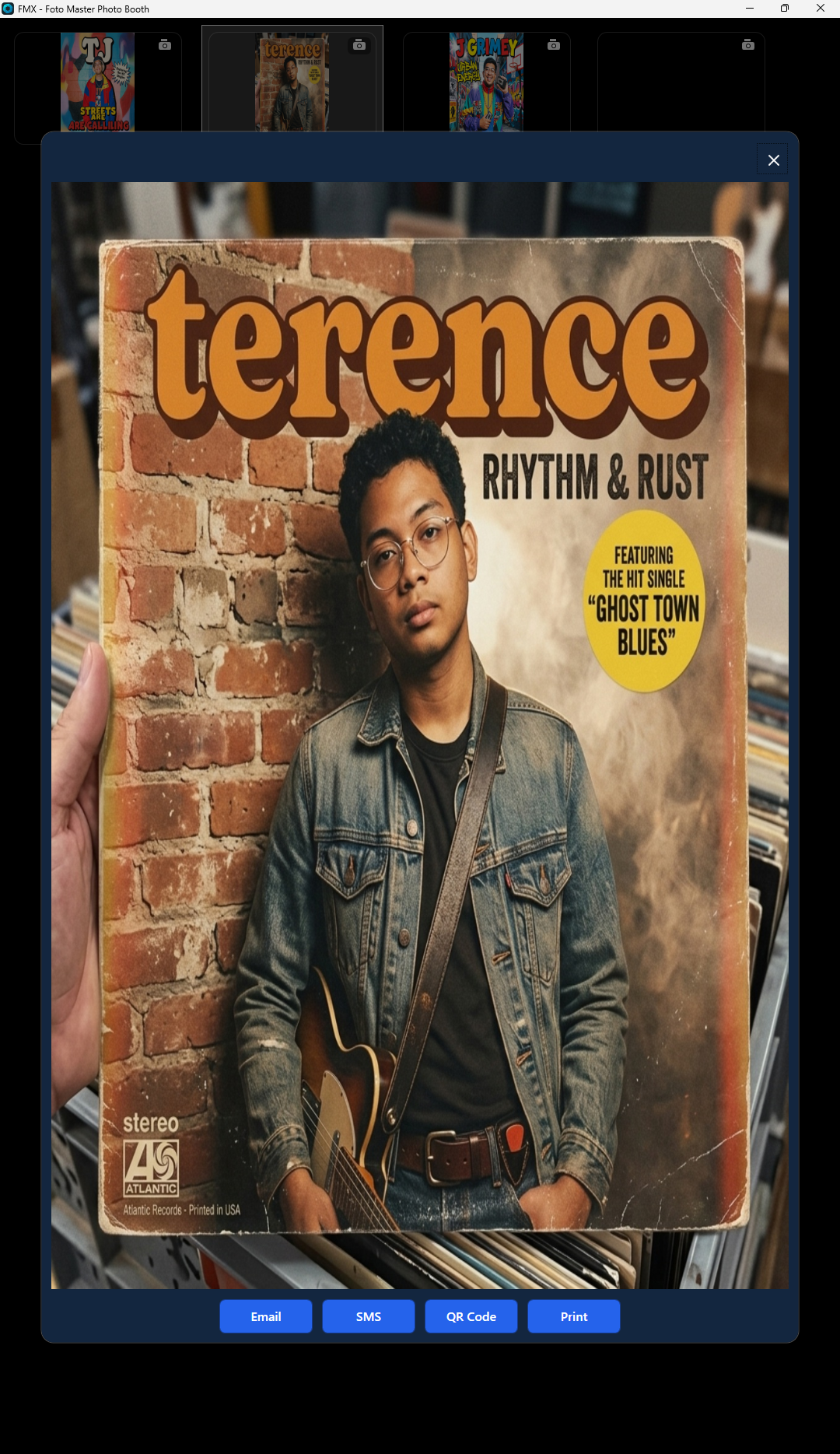
Note: Guests can simply scan the QR code again to get their photo or video. There is no need to repeat their session.
And you’re good to go!
Was this helpful?
Related articles
FMX for Windows: Customizing Your Experience
Everything at a photo booth event (the overlays, the countdown, the on-screen text, the email guests receive, the gallery they get a link to) is something you control. This guide m
FMX for Windows: System Requirements
Before installing FMX on your Windows computer, make sure your system meets the requirements below. Meeting the recommended specifications will ensure smooth performance during eve
Installing FMX on Windows
When to Use First-time installation of FMX on a Windows PC Reinstalling FMX on the same machine Upgrading FMX to a newer version using the latest installer Requirements Windows 10
Login to FMX
When to Use Immediately after installing FMX When switching operators or moving the license to a different PC Requirements A Foto Master Cloud Account (email and password) At least
Building a FMX Preset From Scratch: Video Tutorial
This video covers the basics of building a workflow and layout in FMX: a good starting point before exploring the individual workflow step articles.